

Flodesk have Changed the way you Design Emails Forever
The new Flodesk Studio

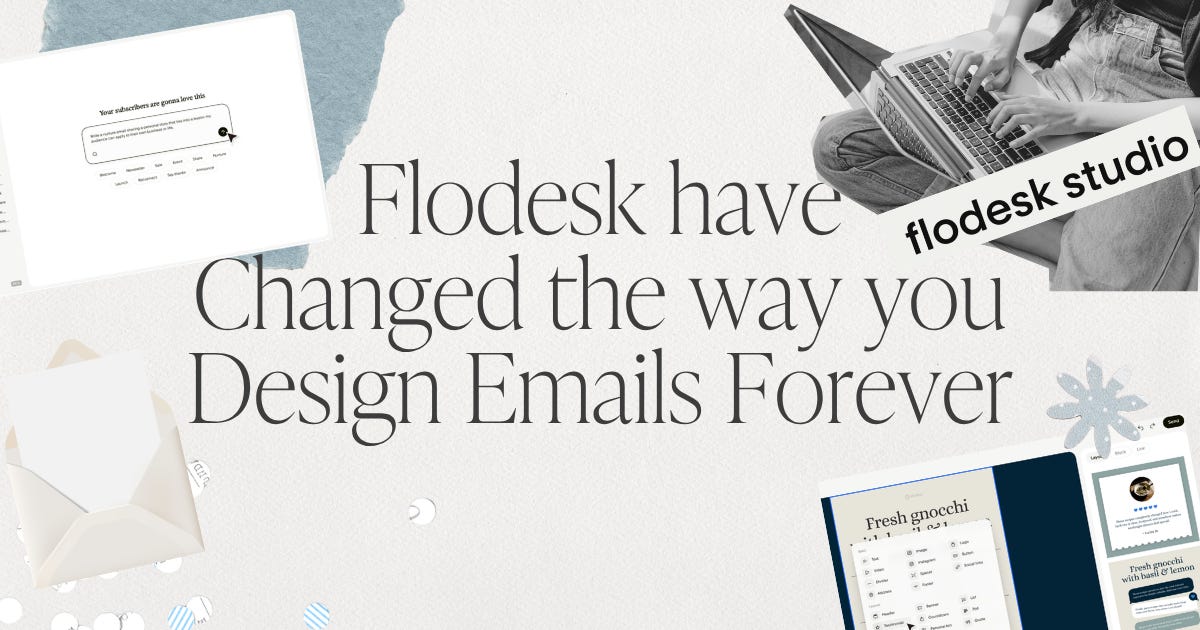
I just tried Flodesk’s new Flodesk Studio. And if you’re like me and have a tendency to leave your marketing emails to the last minute so that you’re quickly trying to put something together on the day that it needs to go out or that hour it needs to go out, then this is going to blow your mind cuz the way you create and design emails is about to change forever.
Now, if you’re not a Flodesk stay with me, because this isn’t just for Flodesk users. It also allows you to download emails as HTML to import to other platforms as wells.
No other email platform have done anything quite like this. So, this is definitely something very new and it’s going to be really interesting to see how people use it and just how popular it is. And if you’re a solo business owner like I am where you’re trying to juggle so many things, not to mention actual real life as well, having a tool like this can really help you keep consistent.
I know personally sometimes it can feel very last minute rush to try and get an email in. You’re like, what am I supposed to write because, you know, I’ve been trying to do, you know, work for clients, create things for my business, trying to keep on social media and all the other types of things I’m supposed to be doing and I forgot to send an email this week. So you quickly put something together in a rush and often what happens then is something suffers along the way. It could be that your writing suffers or it could be that your design suffers because you just don’t have the time for it. And this is why this studio is going to make such a difference.
How to Get Started in Flodesk Studio
Head to studio.flodesk.com.
If you’re already a Flodesk user, you’ll be able to log in through your Flodesk account. Otherwise, you need to set up an account. And the first thing it’s going to prompt you to do is put in your branding. If you’re already a Flodesk user, it will bring in any exisiting branding you have set up in your account. Whereas if you’re starting from scratch, you’re probably having to go through everything there. If you don’t have the time right now to set that all up or go through it all, don’t worry. You can just skip past that or just add a few little things and come back to it later.
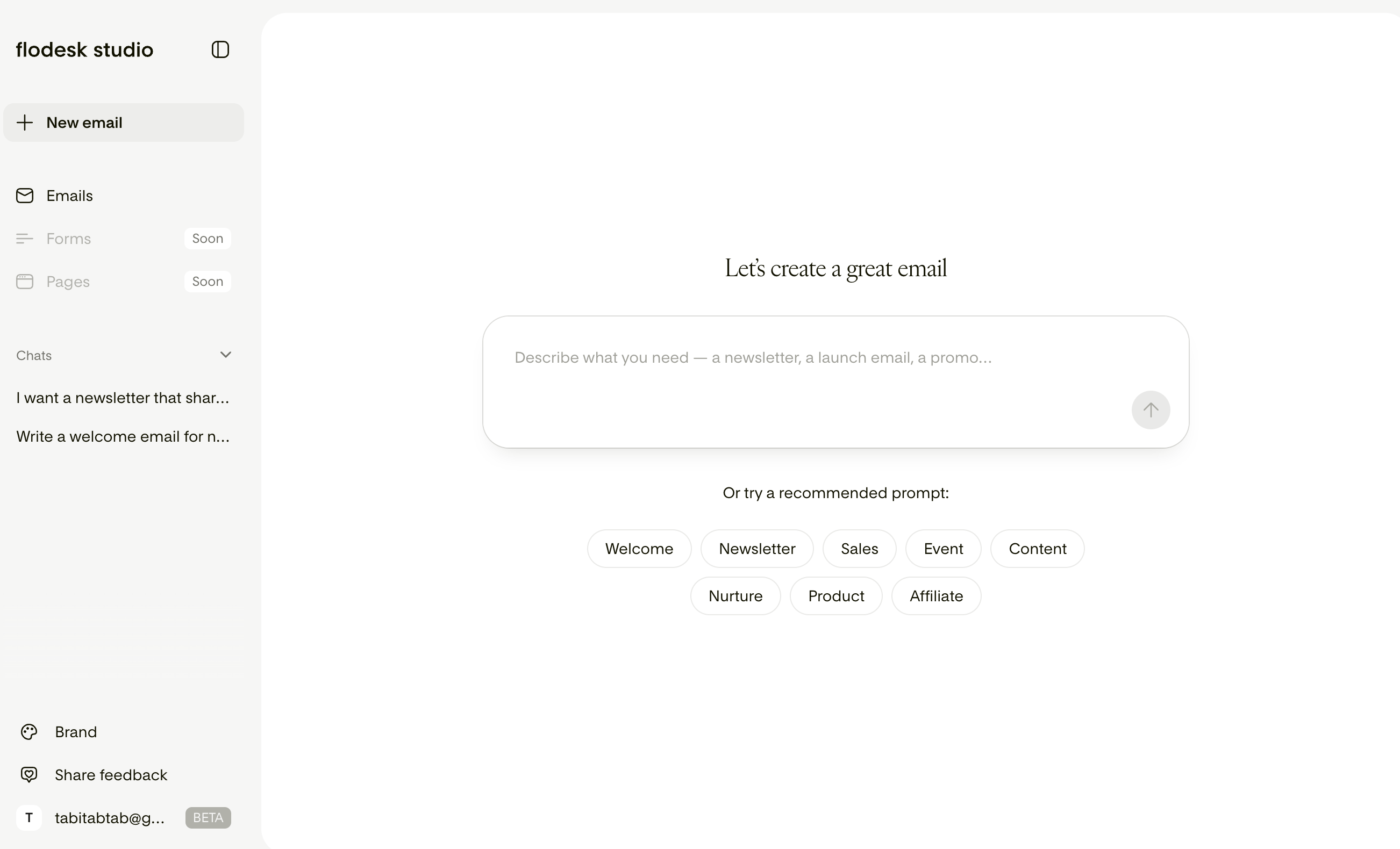
Once inside Flodesk Studio you will notice it feels a lot like other AI type chat platforms where you’ve got a little box here where you can start your chat and then all the things on the side. your past chats. Right now it’s just creating emails, but in the future they’re going to have forms and pages.
The Beta Deal
Right now while in Beta it’s free. They are just getting feedback seeing what people think and the reaction to it.
Beta will run for many months because they are building this with you.
Pricing isn’t decided yet; Studio is free while they learn what you value most. So based on feedback and responce they will later decide how access will work. So right now while it’s beta it is free to use.
A Place to Design not a Person to Hand it off too
A big thing with Flodesk studio is that they don’t want it to feel like your typical AI where you just tell it to do things and it does everything for you. Instead it is a tool to sort of sit there beside you. It feels like a studio. It’s a place that you go to where you can create things and so you’re just using it as an extra assistance to make that process of creating easier. So your design is accelerated. You can put it together a lot quicker and faster rather than it being something that feels very generated.
A big thing with AI is often it can feel like when you design anything, create any kind of graphic, anything that’s generated, it feels AI, it feels generated. And that’s not what they’re trying to do here. What they’re instead trying to do is just make that process of creating and designing emails quick and easy to do. And so behind it, they’ve got real designers that have worked on different elements and things that put together those emails for you.
You have to think of it more as AI powered where AI helps bring this all together quickly, but it’s still bringing human design into it and it’s not just simply AI generated.
Is this really AI, or just templates with my branding dropped in?
Neither, exactly. Their design team hand-crafted thousands of individual component pieces including layouts, blocks, typography, palettes.
The AI’s job is to assemble those human-designed pieces based on your prompt and apply your brand and voice. It’s expediting the process, not generating generic design. If it feels like a designer touched it, it’s because one did.
Set Up Your Brand
So the first thing you want to do to get the best results is of course set up your branding as it will draw from your brand to create emails. This means everything it creates will instantly be aligned with your branding.
The more you put in here for your brand the easier and quicker it’s going to be to whip up a beautiful email that is perfectly on brand.
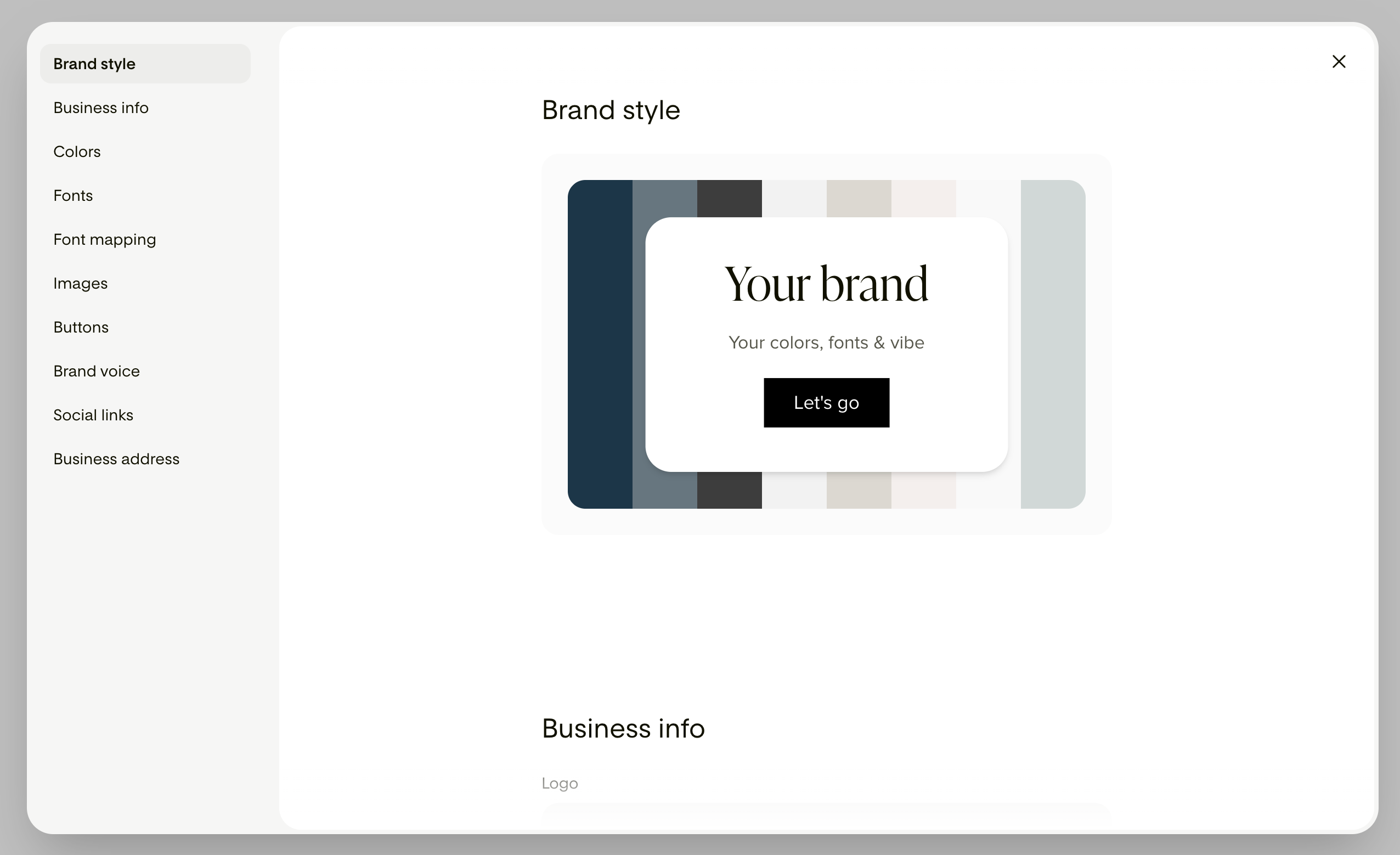
You will be able to add:
Your logo
Your colour hex codes
Your fonts (and font map according to how each font should be used)
A profile image
Brand Voice
Social Links
Business address
Start Creating Emails
Start trying it out and see what you think. I think you’ll be amazed at just how easy it is to create a beautiful on brand email. I had so much fun play with it and I can really see this being very useful for getting out beautiful looking emails quickly.
Simply click ‘New Email’ and give it as much information as you can about the email you want to create. Whatever details you have right now, use that as your starting point.

It will then give you 3 initial designs. Choose your favourite to start off with and then begin editing. You can edit the traditional way just like in Flodesk by changing blocks, block settings, colours, text and everything else.
If you find it easier to talk things out, you can keep using the chat to request changes as well. So it allows you to edit however you work best.
They have also added some fun new features like movable stickers and some new blocks.

Design no longer has to be sacrificed when there’s a rush. And if you’re someone that struggles with designing beautiful emails, if you find that whole thing takes you a really long time because it’s just something that doesn’t come naturally to you, how helpful is this going to be? It’s going to make it so easy for you to put something together really quickly and easily. So give it a go. See what kind of results you get. see if it’s something that is really going to help your process when it comes to creating emails for marketing.
This really is a whole new way to design emails.
I was playing around in it yesterday, and it's such a time-saver.